
Aion 2 Cheat Setup: Hyper-V, Cloud DMA and the Order That Works
Most failed installs are a Windows setting, not a broken build. Check the firmware and Hyper-V prerequisites first, then follow the install and launch order exactly.
Nearly every support ticket after purchase comes down to Hyper-V missing, virtualization off in firmware, a Windows security toggle, or launch order done backwards.
Firmware and security checks
- Enable Intel VT-x or AMD-V in firmware and confirm in Task Manager.
- HVCI, Core Isolation, TPM, and Secure Boot must stay on.
- Plan for 16 GB RAM with the game and virtual environment together.
- Disable conflicting overlays before the first launch.
Install and launch order
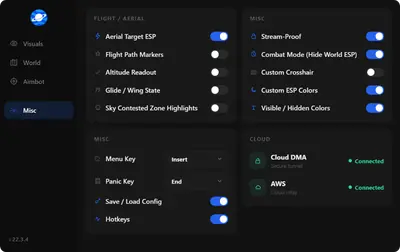
Install Cloud DMA and required companion services first, reboot cleanly, launch Aion 2 from Steam or PURPLE, enter the world, then start the loader. Menu key is INSERT.
If issues remain, read troubleshooting after a patch and Cloud DMA explained.